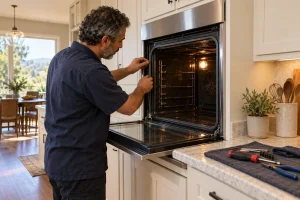
Wall Oven Repair in San Francisco
Single, double and combination Whirlpool wall ovens diagnosed in San Francisco and the Bay Area, with a written estimate before any repair…

Specialized Whirlpool Appliance Repair in San Francisco
Mon–Sat: 8:00 AM – 7:00 PM
A built-in oven hides its problems behind cabinetry, so a few careful checks and one clear code tell us a lot before anyone arrives.
Built-in ovens are the quiet workhorses of Bay Area kitchens, tucked into a cabinet wall in a remodeled Victorian, a condo built a few decades ago or a rental where the whole kitchen was updated at once. Because the oven is boxed in by cabinetry, a problem with it can feel bigger than it is, and the fix depends heavily on which configuration you have.
Our library lists three Whirlpool wall ovens, all 30″ wide. The WOS51EC0HS is a single smart wall oven. The WOD51EC0HS is a smart double with 10.0 cu ft. The WOEC5030LZ is a combination of a wall oven and a microwave at 6.4 cu ft. A double means two cavities and two sets of temperature sensing; a combination adds a microwave side with its own parts, which is why the codes below split by upper, lower and microwave.
With the door open, look around the oven frame, usually along the side or top edge of the opening, and on a double check the frame of each cavity. The label is also often shown in the owner’s manual. A photo of it taken with your phone saves a lot of back-and-forth when you ask for a visit.
Wall ovens commonly show codes in the F#E# style. From our verified meanings: F3E0 points to the upper oven temperature sensor, the control or their wiring; F3E1 points to the lower oven temperature sensor; F5E0 covers the door latch assembly, the door switch or the wiring; F8E0 concerns an airflow restriction or the upper oven cooling fan; F9 most often means the appliance is wired incorrectly at the home electrical supply; FCE1 means the oven could not connect to the router. The code library lists the rest by family. Always say whether the code showed on the upper or lower cavity.
Never remove panels or reach for wiring. If the oven smells of burning or sparks, switch it off at the breaker. If you smell gas anywhere in the kitchen, go outside, avoid light switches and call the gas utility or 911.
A wall oven is fitted into a cabinet cutout sized to the unit, and a double or combination oven is heavy and snug. We plan the visit around how much clearance there is to slide it forward, whether a neighboring cabinet blocks access and whether the unit shares a circuit.
When the checks do not settle it, see Whirlpool wall oven repair. We diagnose before we repair, send a written estimate and do nothing until you approve. If the lock is your problem, a wall oven door that will not unlock is covered separately.
Open the door and look along the frame of the oven opening, usually at the side or top edge. A double oven may carry a label on more than one cavity frame, and the manual usually repeats the number.
Two cavities mean two sets of sensing, latches and fans, so the code and the cavity that showed it both matter. Tell us whether the upper or lower oven is affected.
Let the oven cool, make sure nothing blocks the door, and try one controlled power reset at the breaker. If the lock still holds, the latch assembly or its switch needs a technician.
Yes. Codes for the microwave side are separate from the oven side, so we check each part of the unit on its own during the diagnosis.
If the working cavity heats normally and nothing smells of burning, many owners continue to use it, but stop right away if you notice sparks, smoke or a burning smell.
Single, double and combination Whirlpool wall ovens diagnosed in San Francisco and the Bay Area, with a written estimate before any repair…
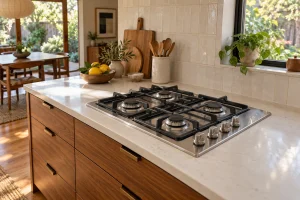
Radiant, gas and induction Whirlpool cooktops: where to find the label, what the codes mean and how to check a dead burner…
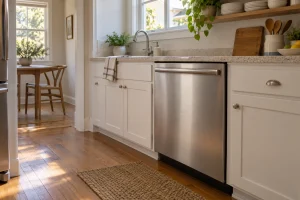
Built-in Whirlpool dishwashers in San Francisco homes: the lineup in our library, where to find the model label, common drain and fill…
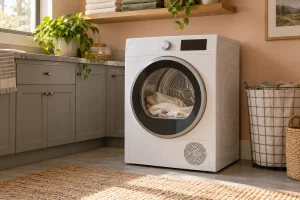
Electric and gas Whirlpool dryers in San Francisco: models in our library, model label spots, vent and heating complaints, codes and safe…
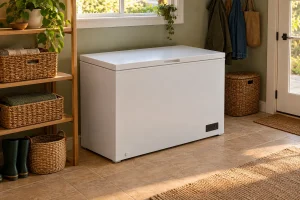
Chest freezers from Whirlpool in Bay Area garages, basements and storage closets: model label location, typical faults, safe first checks and how…
Share a few details and we’ll confirm an appointment. Prefer to talk? Call us and we’ll help right away.