

Specialized Whirlpool Appliance Repair in San Francisco
Mon–Sat: 8:00 AM – 7:00 PM
Blinking lights on a Whirlpool dishwasher usually spell out an F number and an E number. Learn how to count them, what the listed codes say and what to do next.
You press Start and instead of a wash, a row of lights flashes. Sometimes it is a single light blinking over and over, sometimes the Clean light, the Wash light and the Dry light take turns. Whirlpool dishwashers commonly report faults with an F number followed by an E number, and on many models the display shows that pair either as text or as repeated flashes of the panel lights. The code is the dishwasher’s own short description of where it noticed trouble.
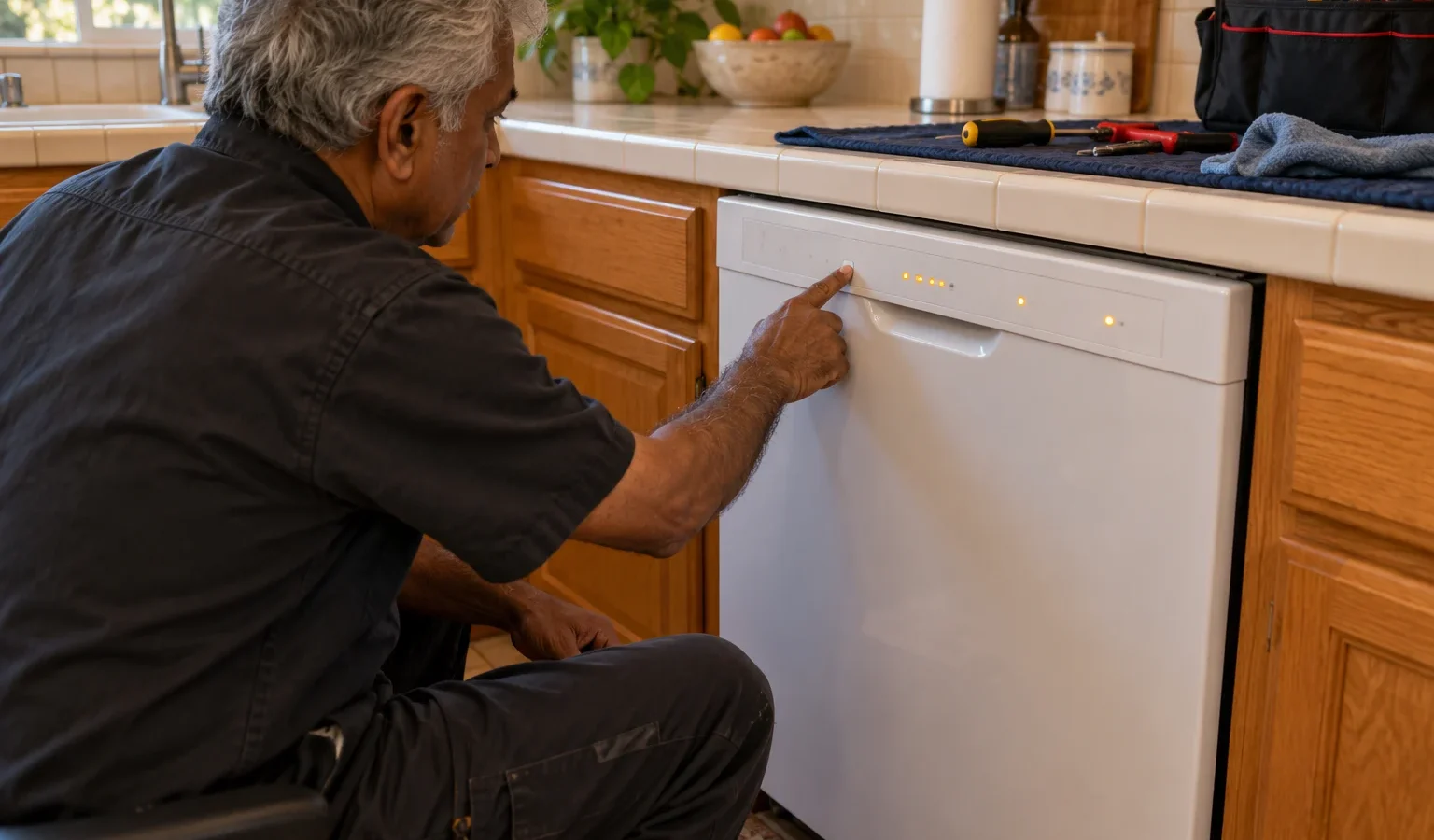
Watch the panel without pressing anything. Note which lights are involved, whether a number appears and how many times a light flashes before a pause. A common style is a number of flashes, a pause, then a second number of flashes: the first group is the F value and the second is the E value. Count twice, because it is easy to lose count. Then write the code as F, the first number, E, the second number.
Here is what the library gives for dishwasher codes. Each entry describes where the control saw the problem; it does not name a part to buy.
The full set, including entries for the heating, wash motor and diverter groups, is in the error code library.
A stuck key (F2E1). Press each button once to see whether any feels jammed. Wipe the panel and make sure nothing is leaning on it. If a button is pressed down in the panel, only a technician can free it safely.
Suds (F6E3). Too much soap, or hand dish soap, creates foam. Stop the cycle, wipe out suds, run a rinse and use only dishwasher detergent in the amount shown on the package.
Drain trouble (F9E1). Clean the filter and check the sink and hose; the not draining guide goes through them.
Water-related codes (H2O, F8E4). Make sure the water supply valve under the sink is open and the supply line is not kinked. For a protection code, close the valve, as instructed. If water is filling, see the not filling article.
Control-related codes. Nothing from the outside helps beyond one controlled power reset. The control is not something an owner should open.
Switch the dishwasher off at its breaker or unplug it if you can reach the plug. Leave it off briefly, restore power, close the door and start a short cycle. If the lights behave normally, the glitch is gone. If the same pattern returns, do not keep repeating the reset. Write the code down and request a visit. Do not use a button sequence you found for another model; hidden service modes are different from platform to platform.
Flashing patterns are hard to describe on the phone and easy to miscount. Record a short video of the panel from the start of the pattern through two full repeats, or take a photo if a code is spelled out. Include the model label in a second shot. Landlords handling several kitchens can ask tenants for exactly this before booking, which saves a trip and avoids a second visit for the wrong part.
Request a visit if the lights keep blinking after one reset, if the code returns, if the dishwasher will not start or if water stays in the tub. Send us the code you wrote down, any photo of the panel and the model number, which is usually on the door edge or the tub rim. In a building that has several dishwashers of different ages, the model number matters because the same flashes can mean different things on different platforms.
A visit starts with diagnosis before repair, a written estimate and your approval before any work. See Whirlpool dishwasher repair and the Whirlpool dishwashers overview. The Whirlpool WDFS5118SS page lists what is on record for that dishwasher.
The control may be reporting a fault, or the panel may be resetting after a power interruption. Let it settle, try one controlled reset and write down any pattern that returns.
The library describes it as a stuck key or console error. Check that no button is jammed and that the panel is clean and dry.
Yes. F6E3 is listed as excessive suds. Wipe out the foam, rinse, and use only dishwasher detergent next time.
No. H2O is listed with a potential cause of not detecting water. It points to a fill problem rather than a leak, though you should still look under the sink.
Not on the strength of a code alone. A code reports where the problem was noticed; a technician tests the dishwasher before any part is replaced.
Share a few details and we’ll confirm an appointment. Prefer to talk? Call us and we’ll help right away.