

Specialized Whirlpool Appliance Repair in San Francisco
Mon–Sat: 8:00 AM – 7:00 PM
A code flashes and the dryer stops or refuses to start. Sort the entry into airflow, power, control or sensor, and take the right safe step next.
Dryers speak in short codes: a single letter pair like AF, an L2, or a longer F#E# entry. They look mysterious, yet they group neatly. Some tell you the vent is blocked, some tell you power is wrong, some point at controls and wiring, and a few report that the machine could not read what it needed. The group tells you more than the characters do.
Write the code exactly as displayed. The same letters can appear for different dryer types, and the library lists entries by type, including vented dryers, compact heat pump dryers, laundry towers and commercial-grade residential dryers.
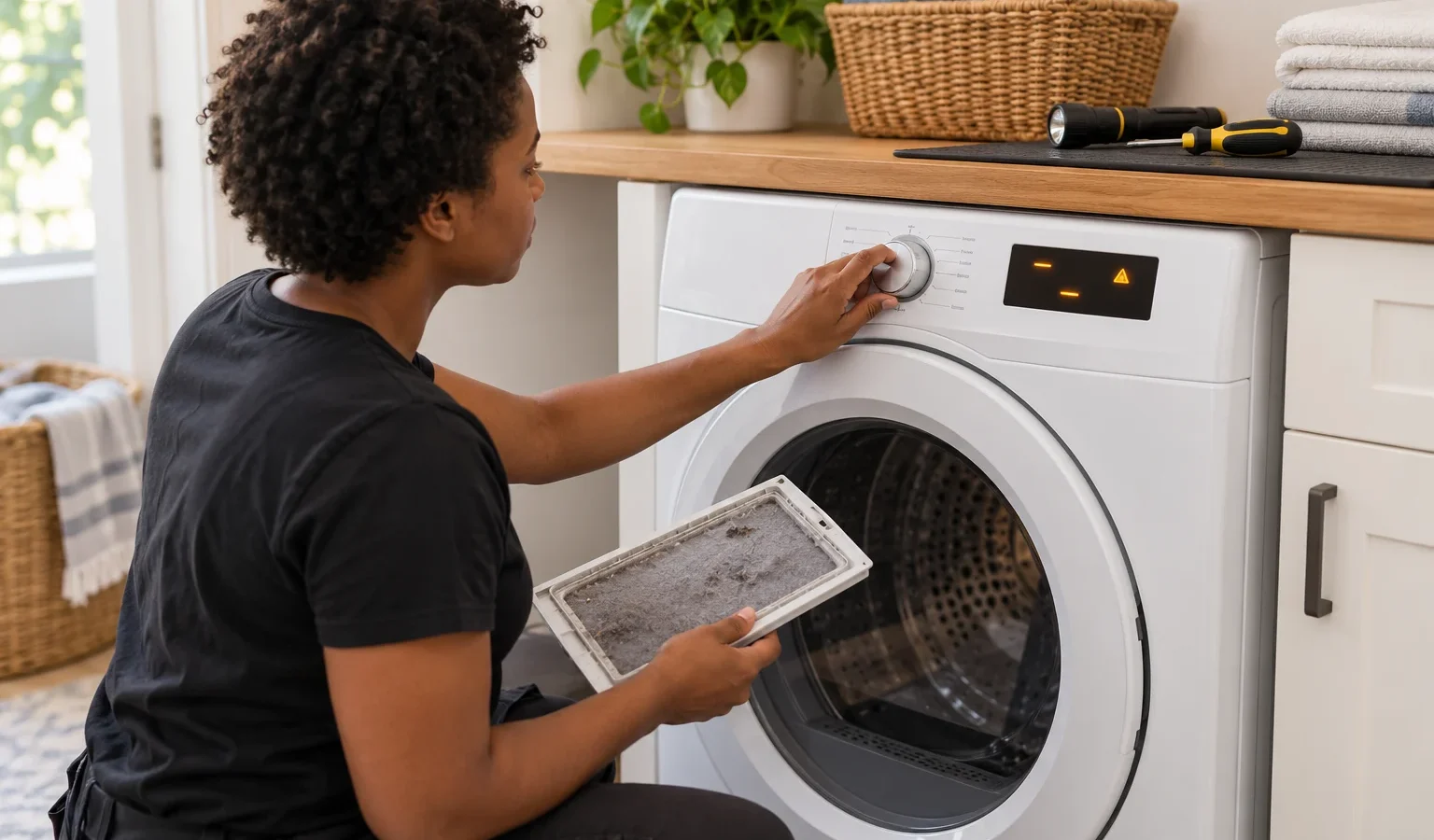
When air cannot leave the dryer, heat builds and the machine protects itself. The entries AF, F30 and F4E3 are all described as restricted airflow, meaning the lint screen or vent is clogged, or the vent is crushed, kinked or has too many turns.
You can act on this one. Clean the lint screen, check that the duct behind the dryer is not kinked, and confirm that the flap on the outside vent hood opens when the dryer runs. In a San Francisco building with a long vent run or a shared duct, the restriction may be beyond your reach, and that is a reason to book a visit and mention the code.
The library describes L2, F31 and F4E4 as low or no line voltage, a problem with the home power supply that keeps the heater from turning on. PF means the cycle was interrupted by a power failure, and FE on compact heat pump dryers is listed as a power source problem.
The owner step is at the breaker panel and the outlet. An electric dryer uses a double breaker; turn it fully off and on. Do not test the outlet or open the back of the dryer.
Several entries point at the control unit, the user interface or associated wiring. Examples are F1E3, F1E4 and F1E5 for the control unit, and F2E4 and F2E5 for the user interface. F6E1 is listed as a possible problem with the main control board, the touchpad or wiring, and F7E1 covers the motor system.
Do not read these as a verdict on a board. They describe where the technician starts looking. A single controlled power reset is the owner’s limit. If the code returns, a diagnosis follows.
F3E2 and F3E5 are described as occurring when five consecutive loads are dried without registering moisture sensor data. Heat entries such as F4E1 point to the heater or its relays. Laundry tower entries name a potential cause, for example F3E8 for a temperature sensor and F5E1 for a door switch.
Compact heat pump dryers have their own short entries. dC usually comes from a door circuit failure, and do comes when the dryer is run with the door ajar. hE is a heating error, and tS means temperatures are not reading correctly. Range entries such as F01 to F04 appear as groups on the library page.
The library lists LF for HybridCare dryers as the HybridCare filter having been removed. Reseating the filter is the owner step. Lint filter messages like this are among the few entries where a dryer owner can simply fix the cause.
A dryer that shows an airflow entry once and clears after you clean the lint screen was telling you something simple. A dryer that shows different entries on different days, such as a control entry one week and a power entry the next, points toward something intermittent, like a loose connection or a supply that sags under load. Keep a short note of each code with the date, the load size and whether the dryer was hot. That log helps the technician more than any single code.
In a rental, a landlord who manages several units with the same dryer type often sees the same entry in more than one unit. If an airflow code shows up in many units of one building, the shared duct deserves attention rather than the dryers.
Many library pages, such as E1, F01 and F70, say the code is listed on Whirlpool Product Help with reset steps and no stated cause. Do not invent a cause. Reset once and see whether it returns.
Do not open panels, test live circuits or bypass a switch. If you smell gas, leave the home, avoid switches and call the gas utility or 911 from outside. A burning smell or sparks mean power off at the breaker.
The technician matches the code with the symptom: does the drum turn, does it heat, does it stop early. Many airflow and power codes end up with no part replaced at all. When a part is involved, the visit gives you a written estimate first, and nothing is repaired without your approval. Our dryer repair service covers the types listed above, and the Whirlpool dryers guide shows where the label sits.
Related symptom guides: dryer not heating and dryer stops mid cycle. For model context, see the Duet gas GGW9200L or the Cabrio electric WED8500DW, which is no longer sold new.
The library describes it as restricted airflow, where the lint screen or vent is clogged, crushed or has too many turns. Clean the screen and check the vent run.
The library describes it as low or no line voltage, a problem with the home power supply. Check the breaker before assuming the dryer is at fault.
Some entries are listed on Whirlpool Product Help with reset steps only. Reset once, then give the technician the exact code if it returns.
A single controlled power reset is fine. If the same code comes back, a diagnosis is the next step.
No. Vented, compact heat pump, tower and commercial-grade residential dryers have different entries, so match the code to your dryer type.
Share a few details and we’ll confirm an appointment. Prefer to talk? Call us and we’ll help right away.